مراجعة عملي ICT تانية إعدادي الترم الأول 2026
ينشر «شبابيك» مراجعة على مقرر العملي في مادة تكنولوجيا المعلومات والاتصالات باللغة الإنجليزية ICT، لطلاب الصف الثاني الإعدادي لغات بالفصل الدراسي الأول للعام الدراسي 2025 2026.
يحرص الكثير من طلاب وطالبات الصف الثاني الإعدادي لغات للإطلاع على مذكرات ومراجعات قبل خوض الاختبار العملي، والذي يضاف درجاته إلى المجموع الكلي للمواد.
ويهتم العديد من معلمي مادة ict بإعداد مذكرات مراجعة ونماذج اختبارات تساعد الطلاب على معرفة النقاط التي يجب استذكارها جيدا قبل امتحانات العملي وشكل الأسئلة.
مراجعة ict عملي الصف الثاني الإعدادي لغات ترم أول 2025 2026
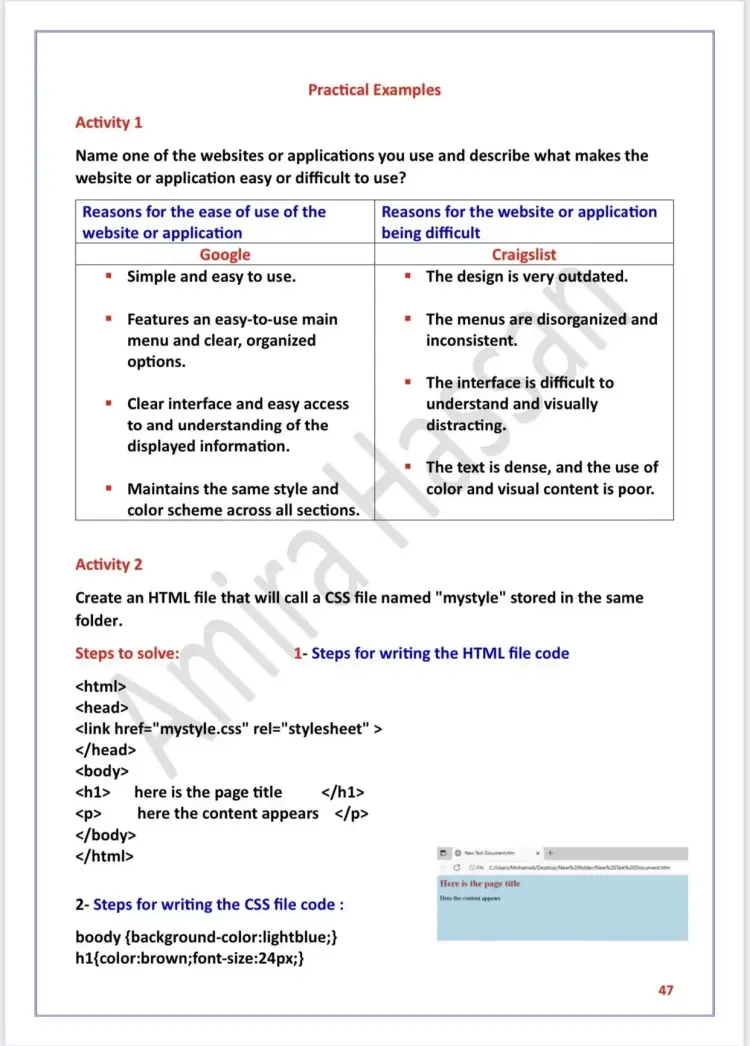
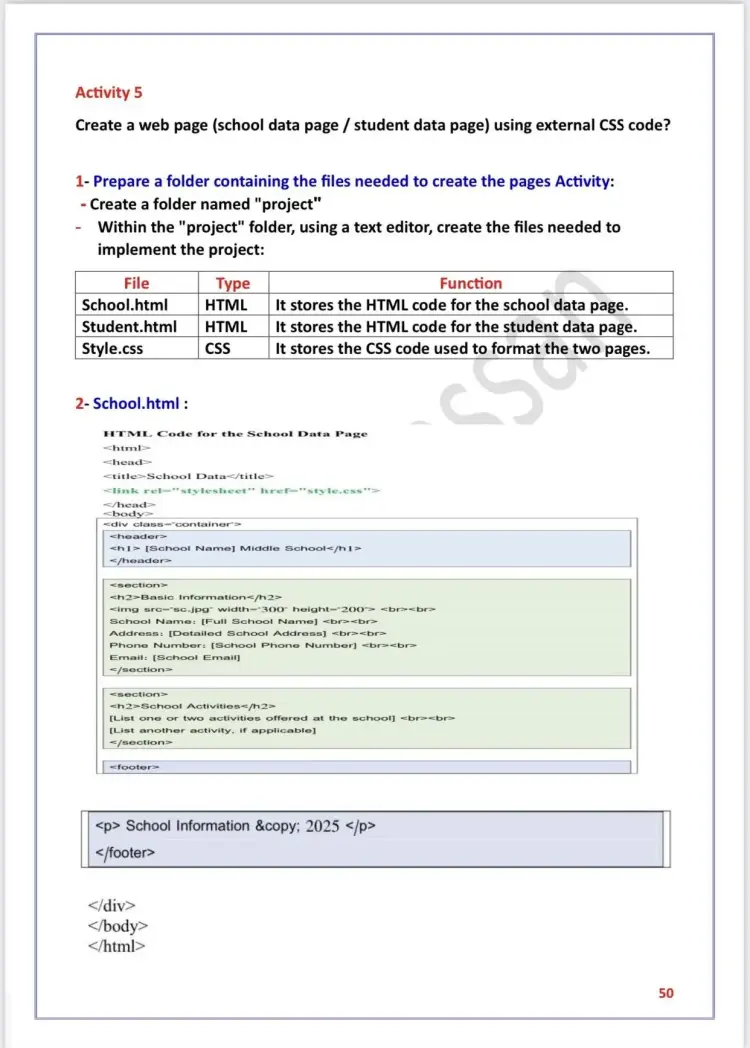
وقد اشتملت المراجعة على العديد من الأنشطة العملية والأسئلة المتوقعة باختبار العملي في مادة تكنولوجيا المعلومات والاتصالات لغات ICT لطلاب الصف الثاني الإعدادي في الترم الأول، منها التالي:
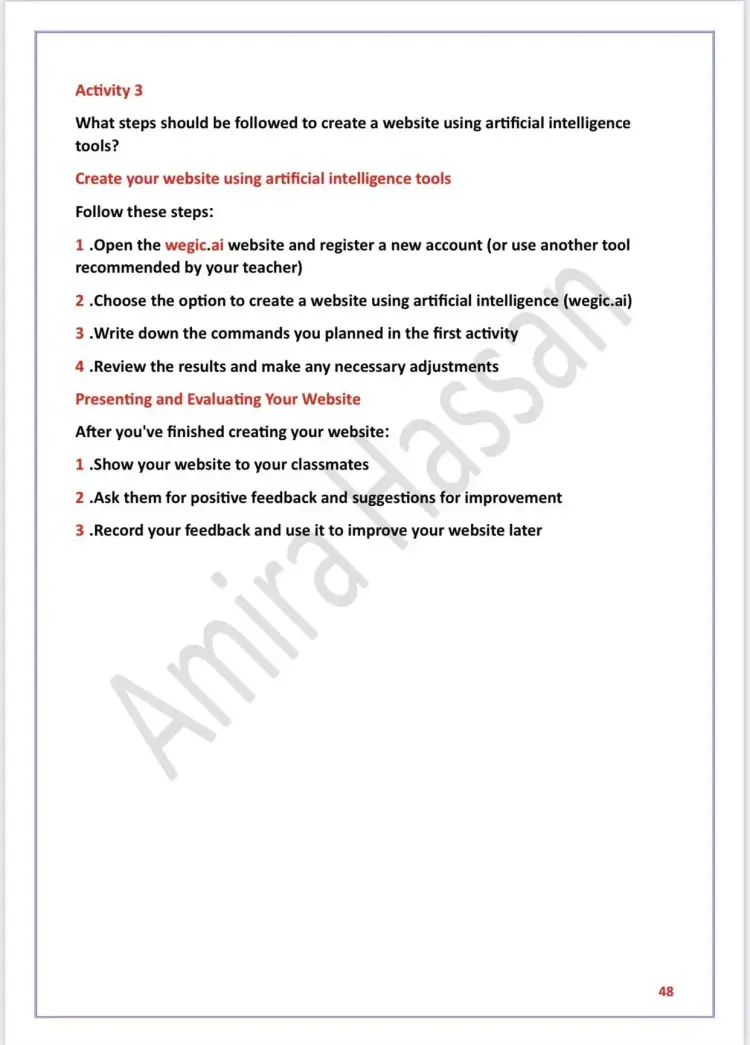
Activity 3
Q: What steps should be followed to create a website using artificial intelligence tools?
A: Create your website using artificial intelligence tools
Follow these steps:
-
Open the wegic.ai website and register a new account (or use another tool recommended by your teacher).
-
Choose the option to create a a website using artificial intelligence (wegic.ai).
-
Write down the commands you planned in the first activity.
-
Review the results and make any necessary adjustments.
A: Presenting and Evaluating Your Website
-
After you've finished creating your website:
-
Show your website to your classmates.
-
Ask them for positive feedback and suggestions for improvement.
-
Record your feedback and use it to improve your website later.
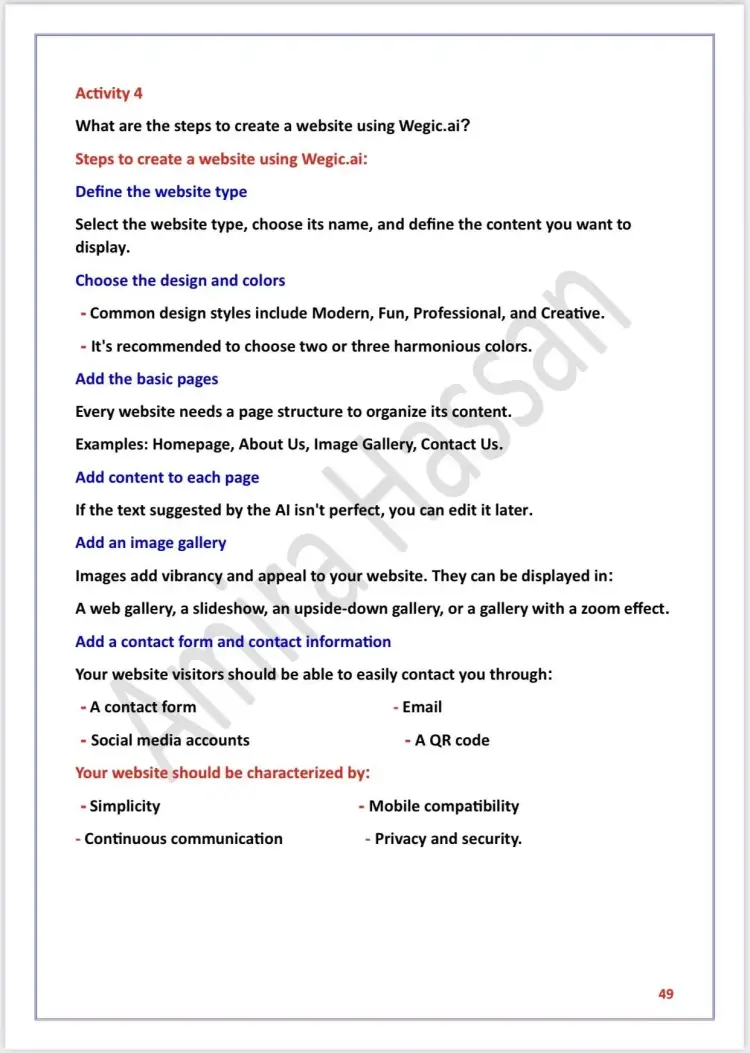
Activity 4
Q: What are the steps to create a website using Wegic.ai?
A: Steps to create a website using Wegic.ai:
-
Define the website type
-
Select the website type, choose its name, and define the content you want to display.
-
Choose the design and colors
-
Common design styles include Modern, Fun, Professional, and Creative.
-
It's recommended to choose two or three harmonious colors.
-
Add the basic pages
-
Every website needs a page structure to organize its content.
-
Examples: Homepage, About Us, Image Gallery, Contact Us.
-
Add content to each page
-
If the text suggested by the AI isn't perfect, you can edit it later.
-
Add an image gallery
Images add vibrancy and appeal to your website. They can be displayed in:
-
A web gallery, a slideshow, an upside-down gallery, or a gallery with a zoom effect.
-
Add a contact form and contact information
Your website visitors should be able to easily contact you through:
-
A contact form
-
Email
-
Social media accounts
-
A QR code
-
Your website should be characterized by:
-
Simplicity
-
Mobile compatibility
-
Continuous communication
-
Privacy and security